Android 13 Mini 4K Projector: 300 ANSI, Dual WiFi, BT5.2
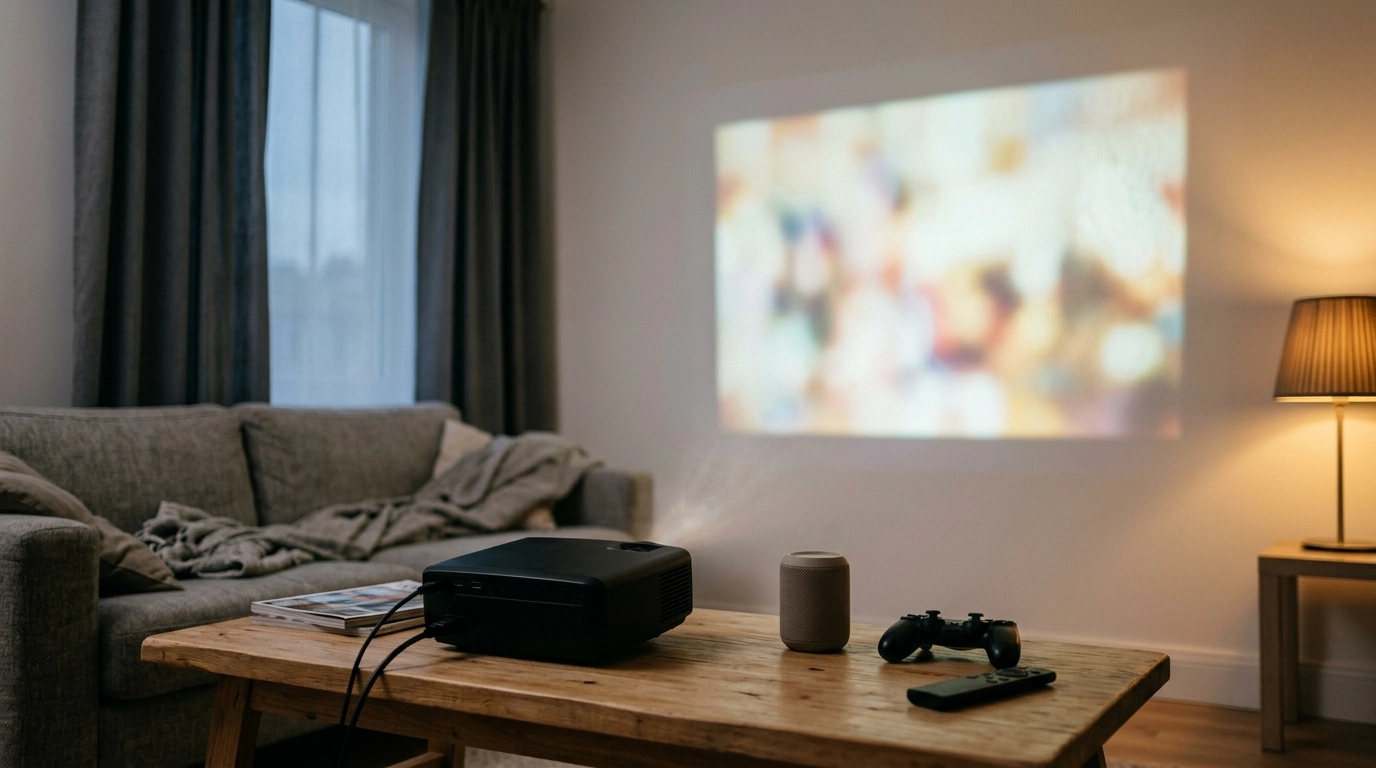
4K Home Theater Mini Projector with Android 13, Dual WiFi, BT5.2 & 300ANSI: Big-Screen Fun Without the Big Setup
A compact home-theater projector that combines built-in Android 13 with dual-band WiFi and Bluetooth 5.2 can simplify movie nights, casual gaming, and portable presentations. This guide explains what 300 ANSI brightness looks like in real rooms, how to set up the projector for a cleaner, sharper image, and which connections to use for smooth streaming and better sound.
What This Mini Projector Is Best For
- Small-space home theater where a TV feels too large or too permanent for the room layout.
- Quick streaming without extra hardware thanks to Android 13 running directly on the projector (app support can vary).
- Wireless audio upgrades to a Bluetooth speaker, soundbar, or headphones for fuller sound than most compact projector speakers.
- Occasional outdoor or travel use when you can create a dim environment (shade, dusk, or a dark room).
- Budget-friendly big-screen viewing with modern wireless connectivity and easy portability.
Key Features That Affect Everyday Use
Android 13 onboard
Android 13 lets the projector function more like a self-contained media hub. Instead of relying on a separate streaming stick, you can install compatible apps, sign in, and start watching. Keep in mind that some streaming services may limit playback quality or availability depending on device certification, region, and DRM requirements.
Dual WiFi (2.4 GHz + 5 GHz)
Dual-band WiFi gives you two practical choices: 2.4 GHz usually reaches farther and handles walls better, while 5 GHz is often faster and less congested at close range. For streaming, the “best” band is the one that stays stable where the projector actually sits, not necessarily the one with the highest peak speed.
Bluetooth 5.2
Bluetooth 5.2 makes it easy to connect wireless headphones for quiet viewing or a Bluetooth speaker for a quick sound boost. Bluetooth specifications and supported features vary by device, but the current generation is designed for dependable connections and improved efficiency. For background on how Bluetooth versions and profiles work, see the Bluetooth Core Specification.
300 ANSI brightness (what it really means)
Brightness is one of the biggest factors in how “punchy” a projected image looks. A 300 ANSI projector typically shines in dim-to-dark rooms where you can control ambient light. Even a small lamp can reduce contrast and make blacks look gray. For a helpful explanation of how ANSI brightness is measured and why it matters, reference ProjectorCentral’s lumens glossary.
At-a-Glance Specs and Connections
Use this quick reference to plan placement, networking, and audio before the first power-on.
| Item | What to look for | Why it matters |
|---|---|---|
| Brightness | 300 ANSI | More comfortable viewing in darker rooms; washout increases with room light |
| Operating system | Android 13 | Standalone streaming and apps without extra hardware |
| Wireless | Dual WiFi | Choice of 2.4 GHz stability/range vs. 5 GHz speed when near the router |
| Audio | Bluetooth 5.2 | Pair to speakers/soundbars/headphones for better sound |
| Best environment | Low light | Improves perceived contrast and color saturation |
Setup for a Sharper Picture in Small Rooms
1) Start with placement (center and level)
2) Control light before you chase settings
3) Use the right surface
4) Focus after warm-up
5) Pick a comfortable image size for your lighting
Getting Smooth Streaming: Android 13 + Dual WiFi Tips
- Prefer 5 GHz when nearby: If the router is in the same room (or very close), 5 GHz often reduces buffering and improves responsiveness.
- Switch to 2.4 GHz for distance: If the projector is farther away, 2.4 GHz may hold a steadier signal through walls, even if speeds are lower.
- Reduce interference: Give the projector a little space from dense electronics clusters that can add wireless “noise.” For more context on WiFi operation, see the Wi‑Fi Alliance overview.
- Keep apps lean: Close background apps and keep storage from getting overloaded to maintain smooth navigation.
- Use HDMI as a workaround when needed: If a specific streaming app is missing or unreliable, an external streaming stick (if supported) can be a practical fix.
Better Sound Fast: Bluetooth 5.2 Pairing and Audio Options
Common Issues and Quick Fixes
Featured Picks to Complete the Setup
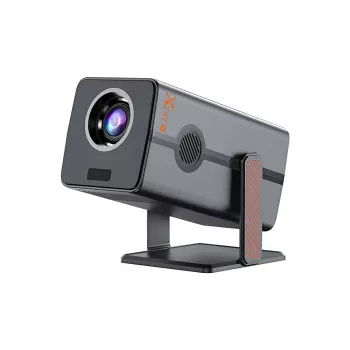
- 4K Home Theater Mini Projector with Android 13, Dual WiFi, BT5.2 & 300ANSI (In stock) — a compact option for streaming, casual gaming, and flexible placement.
- Luxury High-Back Recliner Sofa Set (In stock) — a comfort-forward seating upgrade for longer movie nights.
- Muscle Relaxation Toolkit for Total Tension Relief – 3-in-1 Bundle for Deep Muscle Relaxation (In stock) — a simple add-on for unwinding before or after a marathon watch session.
Product Link and Purchase Details
| Item | Value |
|---|---|
| Model | 4K Home Theater Mini Projector with Android 13, Dual WiFi, BT5.2 & 300ANSI |
| Price | 89.01 USD |
| Availability | In stock |
| Product page | View product |
FAQ
Is 300 ANSI bright enough for daytime viewing?
300 ANSI is generally best in dim rooms. For daytime use, you’ll usually need strong light control (curtains/shades) or a smaller image size to keep contrast from washing out.
Can Bluetooth 5.2 connect to a soundbar or headphones?
In most cases, yes—Bluetooth 5.2 is commonly compatible with Bluetooth soundbars and headphones. Pairing is typically done by putting your audio device in pairing mode and selecting it in the projector’s Bluetooth menu, though some combinations may introduce slight lip-sync delay.
Does Android 13 mean all streaming apps will work the same as a TV?
No. Android 13 supports app installation, but streaming app availability and playback quality can vary based on device certification, region, and DRM requirements; if an app doesn’t perform well, using an external streaming device via HDMI (if supported) is often the simplest workaround.













Leave a comment